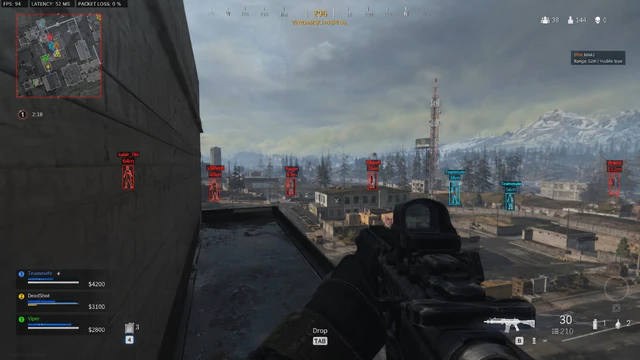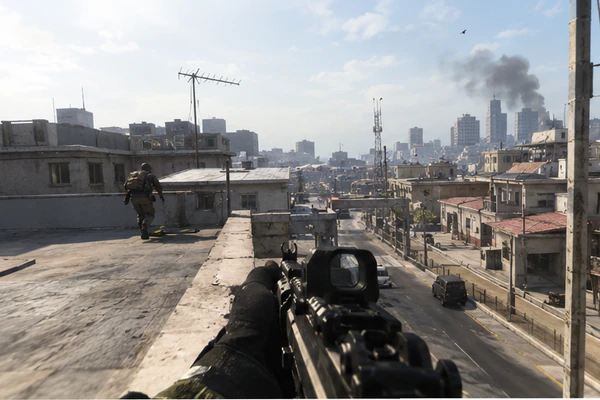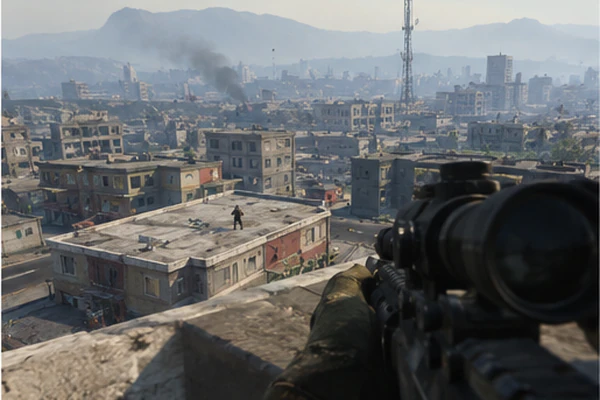
Warzone aimbot settings decide whether you look like a strong PC player or a obvious snap bot. Your field-of-view cone defines where targets get pulled; smoothing controls how fast the crosshair moves inside that cone. Together they matter more than raw “strength” sliders.
FOV basics
A wide cone helps close-quarters Resurgence fights. A tighter cone looks calmer on long Verdansk beams. Draw the cone in practice so you learn the edge—then disable the draw for live games.
Suggested starting points
- AR / battle rifle: cone 95–105, smoothness 22–28
- SMG: cone 85–100, slightly higher smoothness
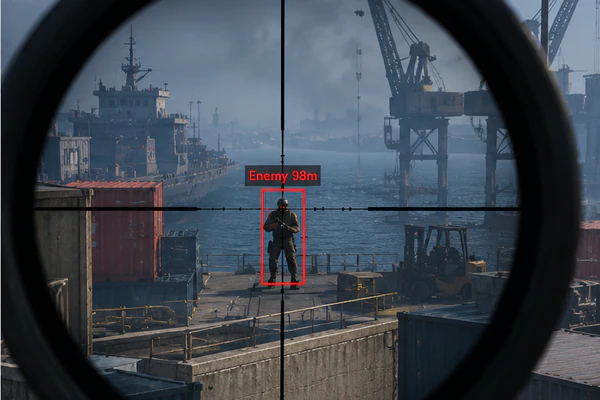
- Sniper: separate profile, cone 60–80, aim lock off unless scoped
Smoothing & humanizer
Humanizer adds micro-variance so motion is not perfectly linear. If tracking feels sticky on slide-cancel players, raise smoothness before you widen the cone. Keep ignored-knocked enabled in team modes.
Rebirth vs large map
Save two configs. Resurgence rewards faster target swap; big map rewards distance caps so you do not lock 80-meter targets through smoke. Link to the product page for per-weapon profiles if your tier includes them.