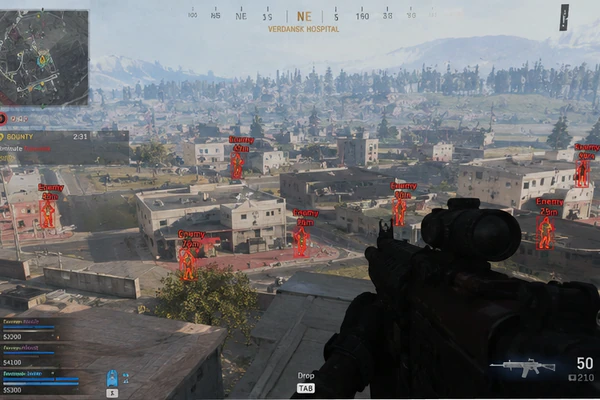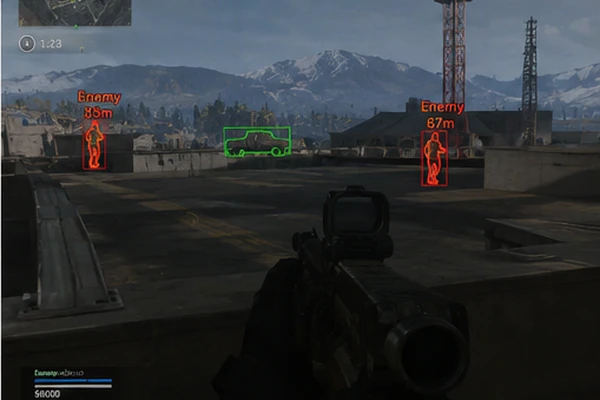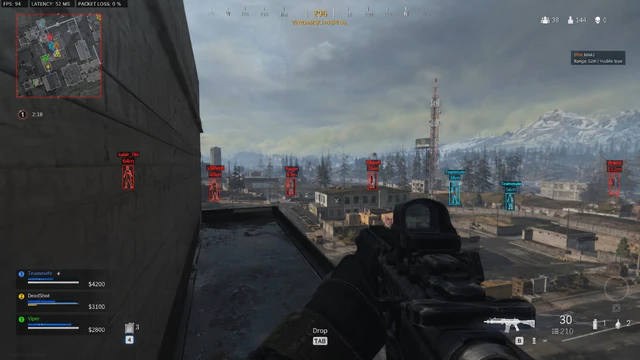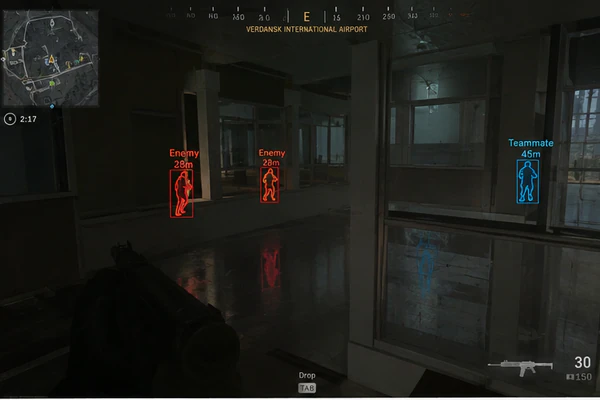
Warzone player highlights fail when you treat every toggle as “more advantage.” Readable overlays look boring: thin boxes, short nicknames, and distance numbers you can parse in a single eye movement.
Boxes & thickness
Start with 1–2 px box thickness. Corner boxes reduce screen noise compared to full rectangles. If teammates clutter the feed, filter squad color or disable friendly markers.
Health & plates
Armor plates matter more than fine HP ticks in Warzone. Show plate count or broken armor state if available—skip decimal health unless you snipe.
Distance caps
Anything past 300 meters is rarely actionable in Resurgence. Cap distance so distant dots do not distract from audio cues. Pair with radar toggle on a side mouse button.